Levana Baby Monitors: How to Check a Set Before Buying
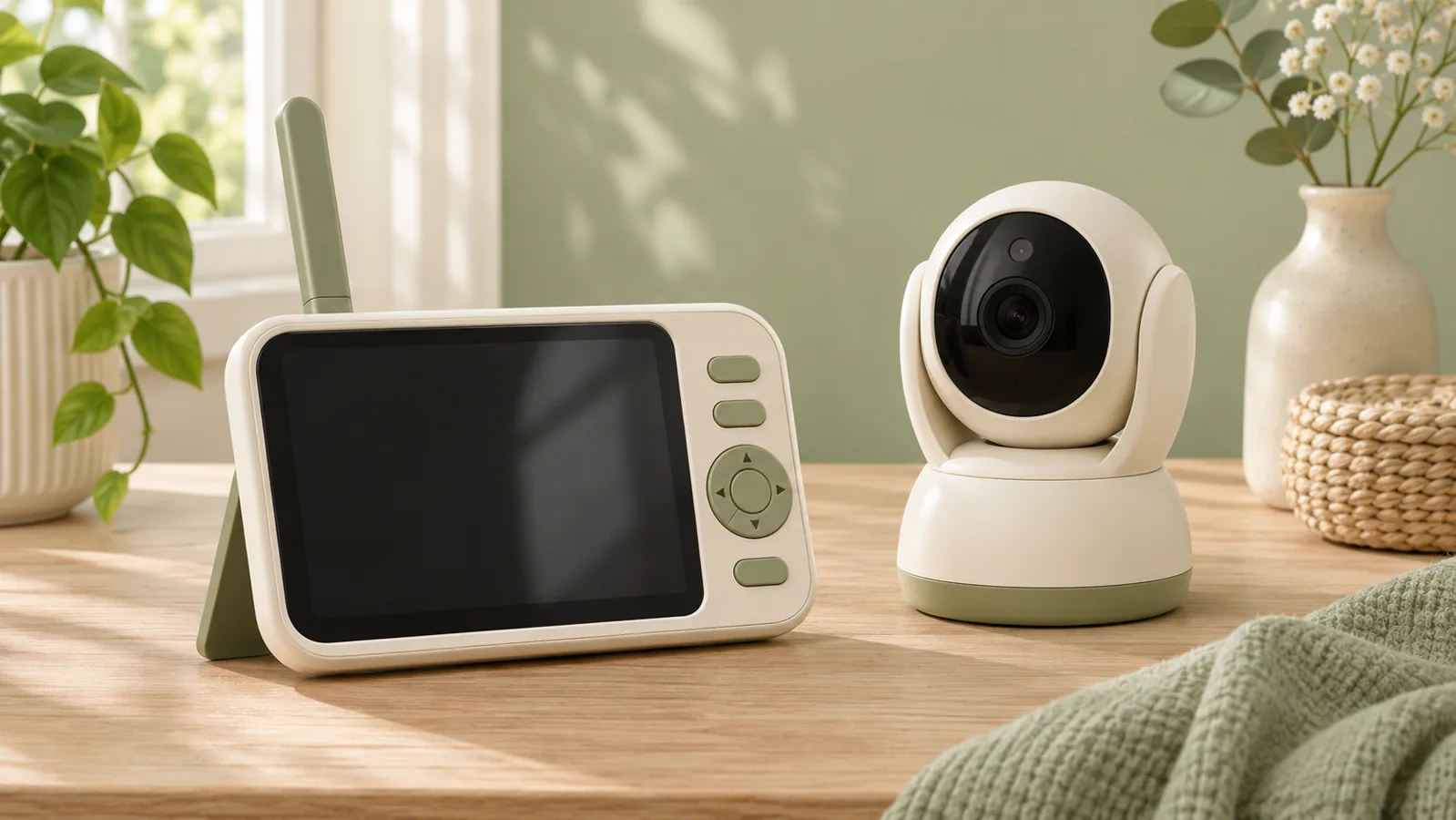
Start with the model label on each part of the set. Levana’s product support directory lists separate resources for models including Mila, Aria and Lila, along with a camera compatibility chart. Check the exact set before assuming that a replacement part will work.
Match the camera, display and power supplies
Photograph the labels if you are buying secondhand. Compare them with the manual and compatibility chart. Make sure each part has its correct power supply and that any used battery or replacement part is approved for that model. If the seller cannot show the labels or the manufacturer cannot confirm the pairing, wait before buying.
Test sound, picture and signal where you will use them
Test the handheld display from the rooms where you expect to hear or see an alert. Check how the unit signals a lost connection or low battery. If you are reviewing Mila specifically, the Mila support page documents its viewing and monitor modes. Use the instructions for your matching model to understand how the screen or sound behaves in each mode.
Plan where the monitor will sit
Keep cords out of reach and at least three feet from any infant sleep area, as advised by the CPSC. If sound is hard to hear, use our guide to visual and vibrating nursery alerts to decide which cues to test. Verify any accessory pairing with the manufacturer.