Motorola Hubble Baby Monitors: Model and App Checks
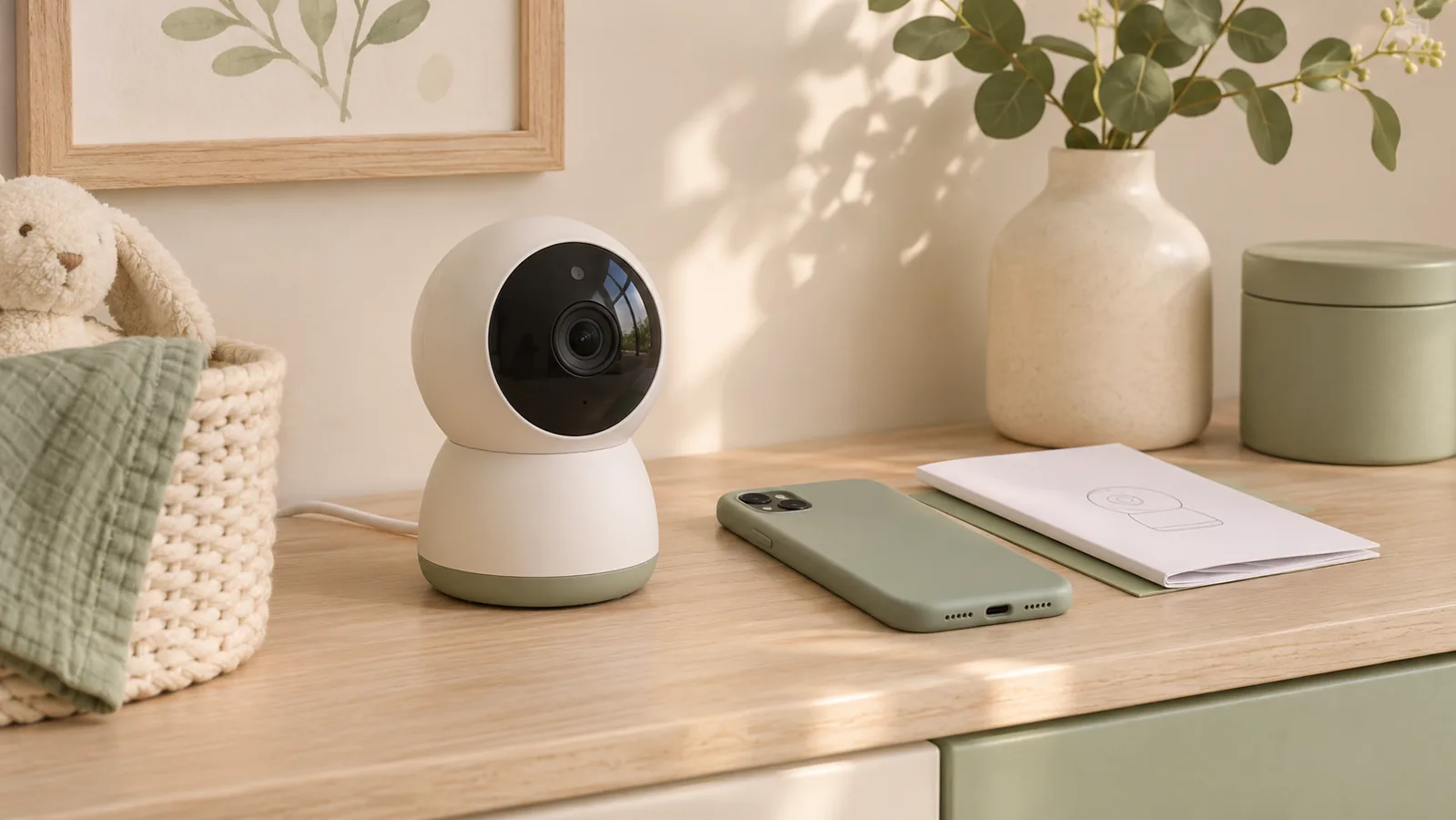
Start with the model number on the camera and on the handheld display if the set includes one. A Motorola or Hubble logo alone gives you too little information to choose an app, replacement camera or power adapter.
Identify the correct app and manual
Hubble’s support site lists separate app resources. Its Android setup guide tells owners to check the app for their model. Before buying, confirm the app is available for your phone and region and that the functions you need are still supported.
Test the features you will rely on
- If you need a handheld display, confirm that the exact camera and display can pair and that the display works in the rooms you use.
- If you want phone alerts, test delivery with the phone settings you normally use. Ask support which features depend on Wi-Fi, an account or a paid plan.
- Check the manual for what the monitor does when it loses power or connection, then test that behavior while an adult is present.
Check placement and alert accessibility
The CPSC monitor cord warning says to keep cords out of reach and at least three feet from any part of a crib or other infant sleep space. If you need a visual or vibrating cue, review our guide to accessible baby monitor alerts. Confirm support for the exact model before relying on an alert.