How to Choose a Baby Monitor for Deaf or Hard-of-Hearing Parents
The best baby monitor for your household is one that delivers an alert you can notice where you actually use it. For Deaf and hard-of-hearing parents, that may mean a vibrating receiver during the day and a compatible bed-shaker system at night. A camera can help you see what is happening after an alert, but a picture on a screen does not by itself provide an accessible wake-up signal.
Start with two questions: How will I notice my baby needs attention while I am awake? How will the alert reach me while I am asleep? These may have different answers. This guide explains what to check, with documented examples rather than a ranked list of products we have tested.
Follow the whole alert pathway
Check the whole alert pathway. The sound must meet the transmitter’s detection settings, the signal must reach the receiver, and you must notice and recognize the alert. A missed cue can occur at any step. An attractive camera specification tells you little about the last two steps.
Write down the places you expect to use the receiver: your bedroom, kitchen, desk, or garden, for example. Then consider whether you will be carrying it, looking toward it, or sleeping. A visible indicator may suit someone working at a desk. A receiver vibrating against your body may suit moving between rooms. Neither automatically establishes a nighttime wake-up solution.
Ask how you will notice a lost connection or depleted battery, too. If a device’s fault warning is sound-only, that is an accessibility issue even when its baby-cry alert is tactile. Ask the manufacturer for an explanation in writing if the manual is unclear.
Compare daytime alerts and nighttime setups separately
| Setup to investigate | Potential role | Question to resolve before buying |
|---|---|---|
| Parent receiver with vibration and visual sound indicators | Portable notification while awake | What triggers vibration, and can you notice it where you carry the receiver? |
| Baby-cry transmitter with compatible pager, charger, and bed shaker | A documented tactile pathway to the caregiver’s bed | Are every component, radio version, battery, and power supply compatible? |
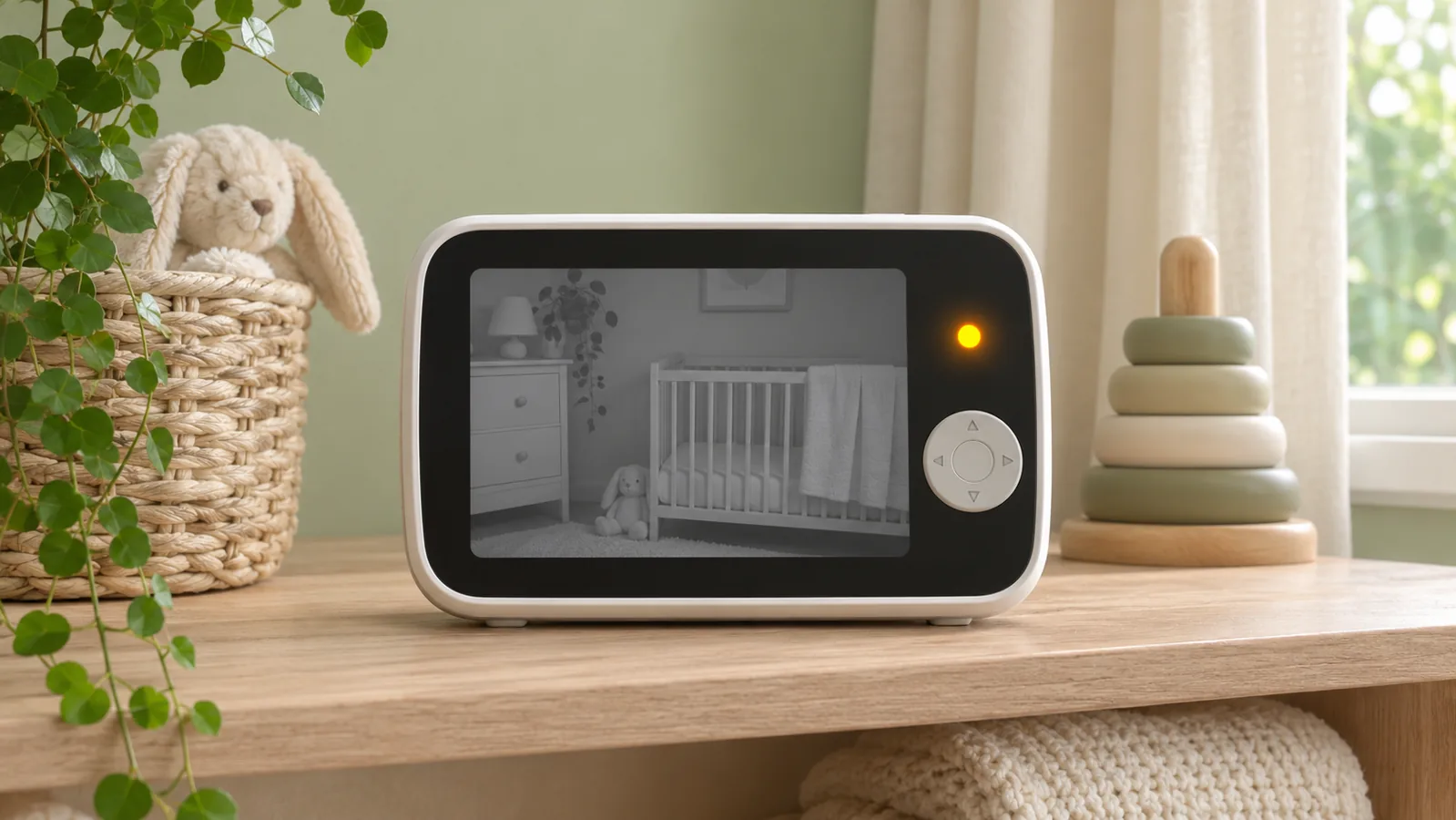
| Video monitor or app alongside an accessible alert system | Viewing the baby after receiving an alert | Does it add useful information without becoming an assumed wake-up method? |
VTech DM221: check the vibration setting and its threshold
The DM221 manual documents a parent-unit vibration alert for sounds strong enough to light four bars on the parent unit’s visual sound indicator. Vibration is off by default and must be enabled on each parent unit. The manual also describes screen indicators for connection and battery status. Those are specific features, rather than a promise that every quiet sound triggers a tactile alert. VTech DM221 manual
This makes the model worth investigating for an awake caregiver who wants a portable tactile cue. We have not established a manufacturer-supported bed-shaker connection for it or tested whether its vibration wakes a sleeping user. Do not treat “vibrating parent unit” as equivalent to a verified nighttime setup.
Its visual fault indicators also do not establish tactile fault alerts or continued nursery monitoring during a power outage. Check how you will notice a failure without relying on sound. For a phone-based system, separately verify what happens when the phone is locked, in Do Not Disturb, or disconnected. Use the manufacturer’s supported test procedure for each condition.
Before considering a Bellman Visit system
No Bellman component combination is recommended in this guide. The US product library lists a BE1230-433-BAT pager, but its manual link opens a BE1470 document specifying 315 MHz. A shared family name or a receiver bundle does not resolve that regional mismatch.
Obtain a matching regional manual and written confirmation of the complete transmitter, receiver, power supply and any nighttime accessories before choosing a system. We have removed the earlier candidate shopping list and charger/battery setup details because they could be mistaken for a verified compatible package. Do not substitute parts or mix radio variants. No supplier has confirmed a combination for this guide.
The selection principle remains useful: choose a documented alert pathway that includes accessible fault warnings and a practical backup plan. A device designed to vibrate does not guarantee that every sleeping person will wake.
Do not confuse infant wearables with caregiver alerts
A product can vibrate without sending a tactile signal to a parent. Snuza describes the Hero SE as a movement monitor that clips to a baby’s diaper and vibrates on that device. That is not a remote vibrating caregiver receiver, so it should not be recommended as the answer to a parent’s accessible alert needs. Snuza Hero SE
Similarly, do not assume a phone notification will reach a smartwatch, flash a particular smart bulb, or wake you. Require documentation for the exact monitor, app, phone, watch, operating system, and settings involved. A generic “smart” label does not establish compatibility. Adding several notifications through the same phone or internet connection can leave them sharing the same failure point.
Questions to answer before choosing
Keep this short checklist beside the product manual:
- Can I identify baby alerts and fault warnings without relying on sound?
- Where must the receiver be worn or placed for me to notice it?
- What is the documented nighttime arrangement, including charging and shaker connections?
- Which parts need mains power, batteries, Wi-Fi, or an account?
- What happens if a component loses power or the link drops?
- Can another caregiver use the setup and understand its signals?
- What is included, what must be purchased separately, and can I return an unsuitable system?
Consider the total system rather than just the nursery unit. Avoid buying an extra camera, watch, or accessory until you know which part of your alert pathway it improves.
Place equipment safely and check it while awake
Keep monitors and cords outside the sleep space. CPSC advises placing cords at least three feet from every part of a crib, bassinet, play yard, or other safe sleep environment, beyond the child’s reach. Do not put a monitor inside or on the edge of a crib. CPSC monitor-cord safety alert
A monitor does not replace safe sleep practices. Put babies on their backs for sleep on an appropriate firm, flat sleep surface, and follow current safe-sleep guidance. NICHD Safe to Sleep Home heart, breathing, or motion monitors should not be used to prevent SIDS. NICHD monitor FAQ
With another caregiver attending to the baby, check the equipment while you are awake. Use the manufacturer’s approved test procedure; never make a baby distressed or leave a crying baby unattended to test a monitor. Verify both the signal reaching the receiver and your ability to recognize it from your intended location. A test button checks only the functions described in the manual; it may not test actual cry detection.
Record settings and any missed or unclear signals. Resolve failures with the manufacturer before relying on the arrangement. An awake test also cannot prove that a sleeping person will wake.
Build an everyday check and a backup plan
Before each night’s use, check power, charge, connections, receiver placement, and the manufacturer’s test indicators. Recheck after moving equipment or changing settings. Keep instructions accessible to everyone sharing care.
Agree on what happens if the system is unavailable or an alert is missed, including help from another caregiver where available. No consumer alert system guarantees that every cry will be detected or that every sleeping person will wake. Extra equipment is useful only when its role and limitations are understood.
Do I need a camera?
Only if viewing adds value for you. Choose the alert pathway first, then decide whether a camera helps you check the situation. More image detail does not compensate for an alert you cannot notice.
Will a bed shaker wake every parent?
No universal wake-up promise is justified. Individual responses and setup conditions vary. Discuss your requirements with the supplier, follow its testing instructions, and have a caregiving backup plan.
What should I buy first?
First identify a complete, documented arrangement for your daytime and nighttime needs. Confirm its exact parts and power requirements before purchasing. Choosing fewer components that have a clear purpose is more useful than collecting unrelated devices.
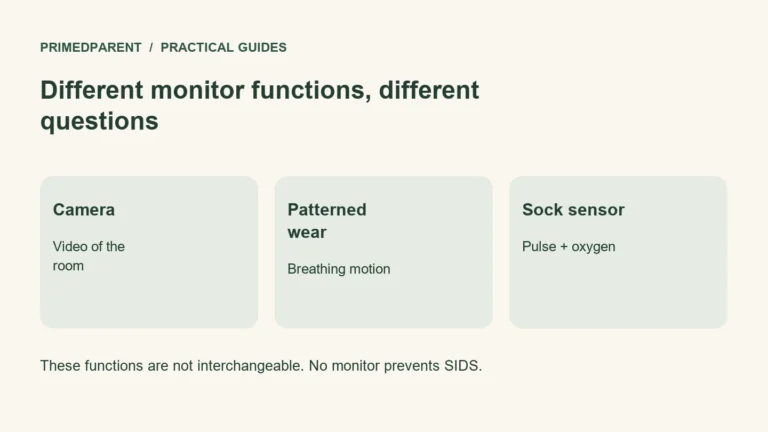
Comparing camera and sock functions
Camera viewing and physiological readings are different from an accessible caregiver alert. Ask the supplier about the complete alert pathway before choosing either type.
Sources reviewed November 10, 2026. General information based on published guidance; no hands-on product testing or professional endorsement is claimed.
If you are also comparing cameras and infant wearables, see our Nanit vs. Owlet comparison for their features and limitations.